

Student Broadband in Singapore
Compare mobile hotspots vs student broadband in Singapore. Learn about ISP contracts, speed needs for classes, and how to avoid hidden setup fees.
The Reality Check: What You Expect Versus What Happens
You might imagine your first week in Singapore student housing involves unpacking your bags, settling into a cozy room, and immediately streaming your favorite shows without a hitch. The reality is often a frantic search for a Wi-Fi password that doesn't work, followed by a dropped video call with family back home. We have seen countless international students struggle with this exact scenario, thinking their phone's hotspot will carry them through their entire semester. It rarely does. The gap between expectation and reality can be frustrating, but with the right plan, you can bridge it quickly.
Many students assume that because Singapore is a tech hub, the internet is magically fast everywhere. While the infrastructure is excellent, setting up a reliable connection requires understanding the local landscape. You need to know which providers are trustworthy, what speeds your online classes actually demand, and how to read a contract without getting blindsided by fees. We are here to guide you through the process so you can focus on your studies, not your connection.
Mobile Hotspots Versus Home Broadband
When you first arrive, your instinct might be to rely on your mobile phone's hotspot. It is convenient and requires no installation. However, using a mobile hotspot as your primary internet source for a student dorm is usually a recipe for stress. Your phone battery will drain in hours, and the signal strength often fluctuates depending on where you sit in the room. More importantly, mobile data caps are strict. Streaming a two-hour lecture or downloading large research files can eat through your monthly allowance in a single afternoon.
Home broadband, on the other hand, offers a dedicated line with consistent speeds and unlimited data in most cases. While it requires a bit more setup, the stability is worth it. For video conferencing, which is the backbone of modern online learning, a wired or strong Wi-Fi connection is essential. A mobile hotspot might work for checking emails, but it struggles when you are the only one on the call trying to share a screen while your roommate is downloading updates. We strongly recommend looking into a dedicated internet plan for your accommodation.
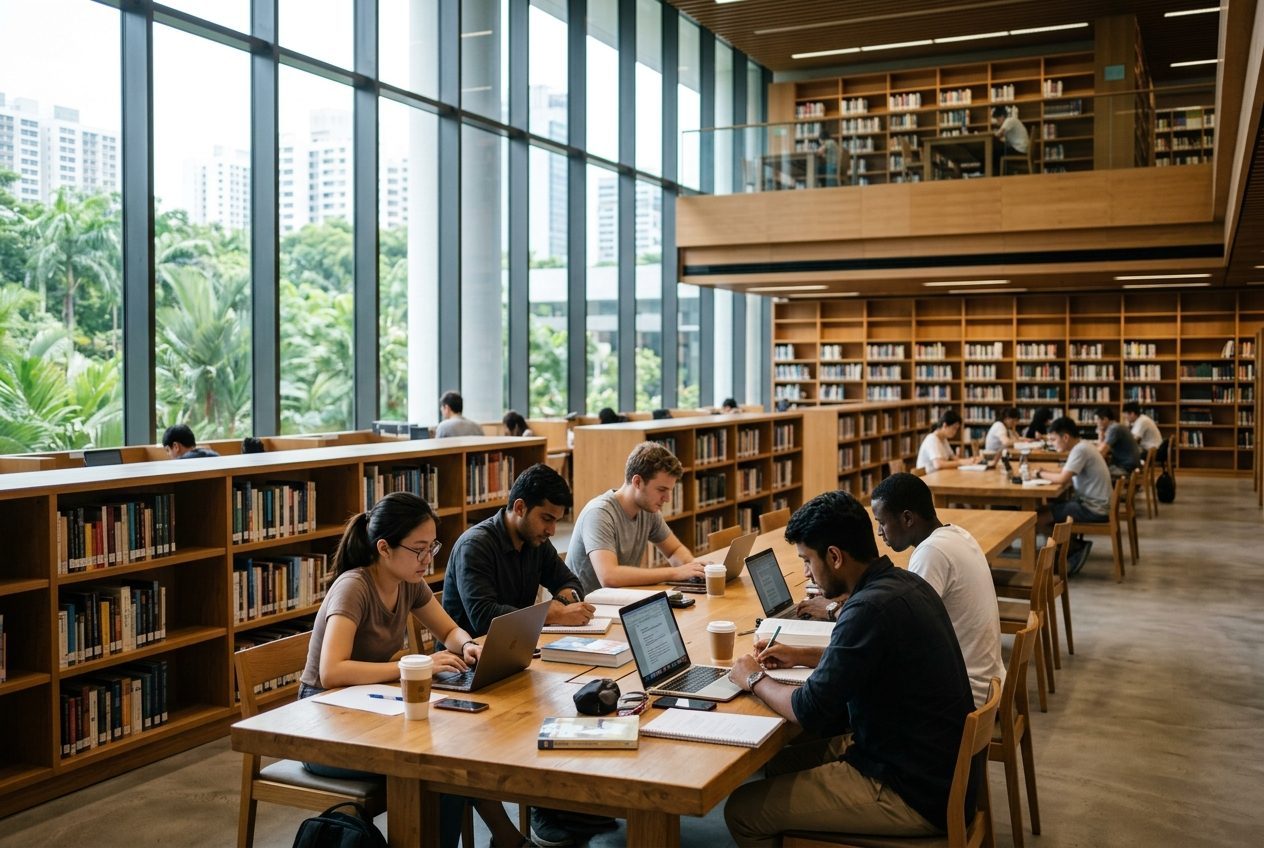
Understanding Speed Requirements for Online Classes
Not all internet plans are created equal, and the speed you need depends entirely on how you use the connection. If you are only browsing the web and sending emails, a basic plan might suffice. But for international students, the demands are higher. You will likely be attending live lectures, participating in group discussions, and submitting large video projects. The Singaporean education system relies heavily on digital platforms, so a slow connection can mean missing critical instructions or having your audio cut out during an exam.
Generally, a download speed of at least 50 Mbps is recommended for a single user in a shared housing environment. If you are in a room with a roommate who also streams or games, you should aim for 100 Mbps or higher. Upload speed is just as critical. Many students overlook this, but when you are sending a 2GB video file to a professor or presenting on Zoom, a low upload speed will make you look pixelated and laggy. When comparing an ISP Singapore offers, always check the upload speed figures, not just the download numbers.
Decoding Contracts and Avoiding Hidden Fees
One of the biggest pitfalls for international students is signing a contract without fully understanding the terms. In Singapore, most student broadband plans come with a 12 to 24-month commitment. This can feel daunting if you are unsure how long you will stay in the country. However, breaking a contract early often incurs heavy penalties that can cost more than the remaining monthly fees. It is vital to read the fine print regarding early termination clauses.
Another common trap is the hidden setup fee. Some providers advertise a low monthly rate but charge a significant one-time installation or modem rental fee upon signing up. These fees can add up quickly, especially for students on a tight budget. Always ask for a breakdown of all initial costs before you agree to anything. A good provider will be transparent about modem rentals, activation charges, and any potential price hikes after a promotional period ends. We advise you to compare at least three different providers before making a decision.
- Check if the modem is included in the monthly price or rented separately.
- Verify the total contract length and the penalty for early termination.
- Ask specifically about installation fees and whether they are waived for new students.
- Confirm if the advertised speed is a guaranteed minimum or just a maximum.
- Look for price lock-in guarantees to avoid surprise rate increases.
- Ensure the provider offers 24/7 customer support in English.
- Check if there are any data caps or throttling policies after a certain usage limit.
- Read reviews from other international students about their experiences.
Choosing the Right ISP for Your Student Life
With several major players in the market, choosing the right ISP Singapore has to offer can feel overwhelming. The best provider for you depends on your specific housing situation and usage habits. Some providers specialize in high-speed fiber connections ideal for heavy gaming and streaming, while others offer budget-friendly plans that are perfect for light browsing and standard video calls. It is also worth considering the reliability of the network in your specific neighborhood, as performance can vary slightly depending on the building's infrastructure.
Do not be afraid to ask questions. Customer service is a key indicator of a provider's quality. If you have a technical issue at 2 AM while trying to submit an assignment, you need support that is actually available. We often suggest looking for providers that offer student-specific packages or discounts, as these can provide better value and more flexible terms. For more tips on settling into your new routine, you can check out our more student life guides which cover everything from banking to local transport.
Frequently Asked Questions
Do I need to bring my own router?
Most ISPs in Singapore will provide a modem and router as part of your package, often for a small monthly rental fee. However, if you prefer to use your own device, you can usually do so, but you must ensure it is compatible with the provider's network standards to avoid connectivity issues.
Can I cancel my contract if I move out early?
Canceling a contract early typically involves a penalty fee, which is calculated based on the remaining months of your commitment. Some providers may offer a transfer option where you can move the contract to a new address, which could save you from paying the full termination fee.
Is fiber internet available in all student housing?
Fiber coverage is widespread in Singapore, but it is not guaranteed in every single building. Older properties might still rely on copper lines, which are slower. It is best to confirm the specific internet infrastructure available at your accommodation before signing a contract with a fiber-only provider.
Setting up your internet does not have to be a stressful part of your move to Singapore. With the right information and a clear understanding of your needs, you can secure a fast, reliable connection that supports your studies and lifestyle. At Sing Stay & Care, we understand how important a smooth transition is for international students. We have been helping students find safe, fully furnished rooms since 2015, and we are here to support you every step of the way. Our team provides 24/7 caring support and even offers airport pickup to ensure your arrival is as comfortable as your stay. Ready to find a home that works for you? browse our rooms to see our available options, or leave us a message if you have any questions about setting up your new life in Singapore.
Latest articles



Comments
Questions or tips of your own? Join the conversation.
No comments yet — be the first to share your thoughts.