
Smart Card vs Apple Pay: The Ultimate Payment Guide
Compare EZ-Link cards and contactless mobile wallets. Find the best payment methods for Singapore transit and hawker centers.
The Question We Hear Most
Students often ask us if they need to buy a physical card immediately upon landing or if their phone is enough. The short answer is that your phone works for almost everything, but a backup card is a lifesaver when your battery dies. We see this confusion every semester, and it usually causes unnecessary stress during the first chaotic week of settling in.
Many arrive thinking they can survive on cash alone, only to find that cash is barely accepted for transport. The reality is that Singapore runs on digital efficiency, and understanding the difference between a dedicated transport card and your mobile wallet will save you time and hassle. This guide cuts through the noise to help you choose the right payment methods for your daily commute and meals.
Understanding the EZ-Link Standard
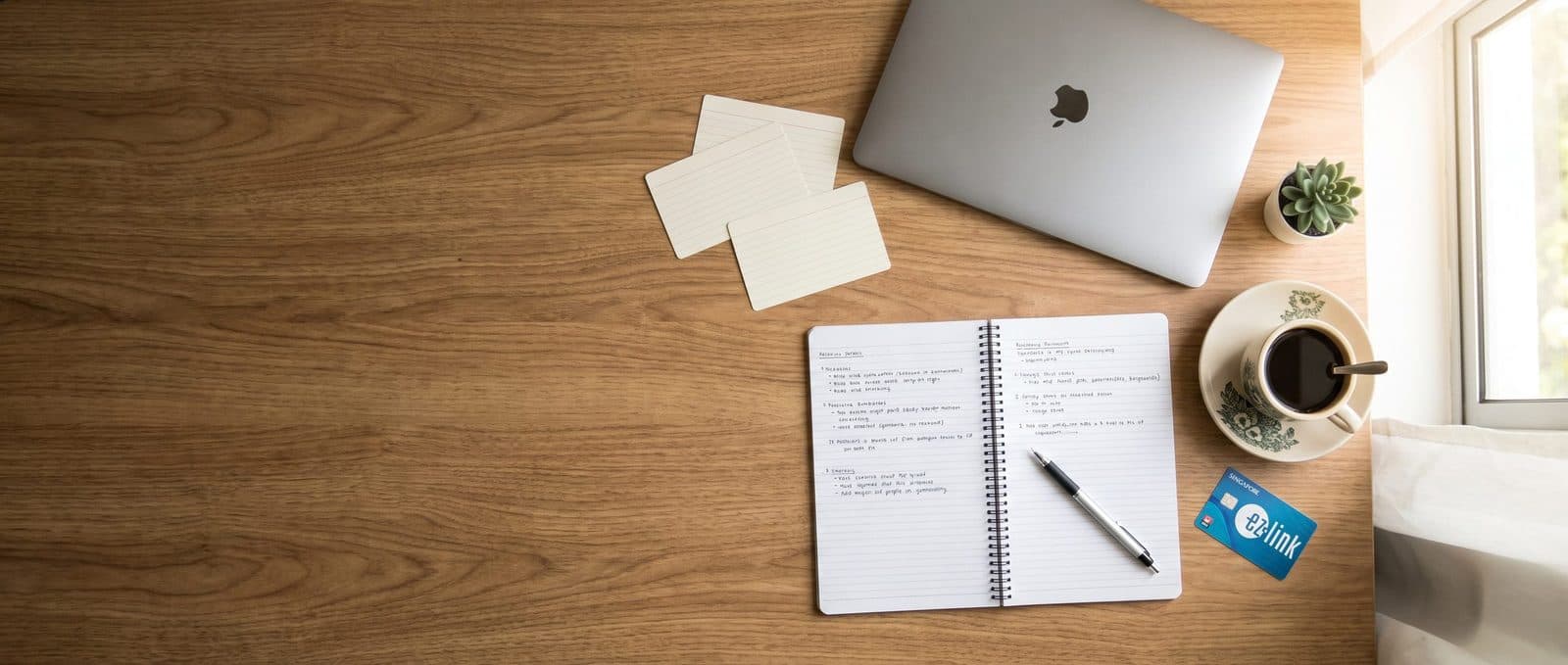
For years, the EZ-Link card has been the gold standard for getting around Singapore. It is a rechargeable smart card that works on buses, the MRT, and at thousands of small shops. While the name suggests it is just for transport, its utility extends far beyond the subway gates. You will see students tapping this card to pay for coffee, groceries, and even meals at hawker centers.
Getting a card is simple. You can buy one at any MRT station ticket office or convenience store. The initial cost is a small deposit for the card itself, plus you need to load some credit onto it immediately. Once you have it, you never have to worry about fumbling for cash. Just tap the card on the reader and walk through. It is robust, waterproof, and requires no battery to function.

The Rise of Contactless Mobile Wallets
If you have an iPhone or an Android phone with NFC capabilities, you likely already have access to contactless payments. Apple Pay, Google Pay, and Fitbit Pay all allow you to add a virtual EZ-Link card or a credit card directly to your device. This means your phone becomes your wallet, your key card, and your transport pass all at once.
Using your phone is incredibly convenient because you do not need to carry a separate plastic object. You simply hold your device near the reader, and the transaction goes through instantly. Most modern bus readers and MRT gates are fully equipped to handle these signals. However, there is a catch that trips up many new students. If your phone battery runs out, your transport pass stops working too. This is why relying solely on mobile technology can be risky.
Comparing Transit and Hawker Center Experiences
When you are rushing to class or grabbing a quick meal, the speed of your payment method matters. Both physical cards and mobile wallets offer similar tap-and-go speeds at transit gates. The difference becomes more apparent in smaller settings like hawker centers or wet markets. Some older vendors might have readers that are slightly slower or less reliable with mobile signals, though this is becoming rarer.
Another practical consideration is the queue. In a busy hawker center, you do not want to be the person fumbling with a PIN or unlocking your screen while the person behind you taps their card and moves on. A physical card can be slightly faster in these high-pressure moments because you just tap and go. On the other hand, if you forget your wallet, your phone is almost always in your pocket, making it a more reliable backup for unexpected stops.
Practical Tips for New Arrivals
We have seen students make the same mistakes over and over again, so we want to help you avoid them. First, do not assume your home country credit card will work everywhere in Singapore. While contactless credit cards work in many places, some older systems only accept the specific EZ-Link standard. Second, always keep a small amount of cash for emergencies, even if it is just a few dollars.
To help you prepare before you arrive, here is a quick checklist for your first week of payments:
- Set up Apple Pay or Google Pay on your phone before you land if possible.
- Buy a physical EZ-Link card as a backup immediately upon arrival.
- Check that your phone has a case that does not block NFC signals.
- Keep your phone charged and carry a portable power bank.
- Test your card at a bus stop before your first important commute.
- Learn the difference between the MRT gate and bus tap points.
- Register your card online to protect your balance if it gets lost.
These small steps will prevent the panic of being stranded at a station. We always recommend having both options available until you are completely comfortable with the system. It is better to be over-prepared than to miss a lecture because of a dead battery.
Managing Your Daily Budget
Using digital payment methods can sometimes make it easier to overspend because you do not feel the physical sensation of handing over cash. Both the EZ-Link app and your mobile wallet provide transaction history, which is excellent for tracking where your money goes. We encourage students to review their spending weekly to ensure they are sticking to their budget.
Some students worry about the fees associated with reloading their cards. While there are nominal fees for physical cards, mobile top-ups are usually free or very low cost. The real value lies in the discounts and promotions available. Certain cards offer special rates for students, so it is worth checking the official websites for current offers. Understanding these details helps you stretch your allowance further while living here.
If you are looking for more advice on managing your life here, check out our more student life guides for tips on everything from laundry to local cuisine. We cover the small details that make a big difference in your daily routine.
Frequently Asked Questions
Can I use my credit card directly on the MRT?
Yes, you can tap your contactless credit or debit card directly at the gates, but you may not get the same daily fare cap discounts that EZ-Link cards offer.
What happens if my phone battery dies while I am on the bus?
Unfortunately, you cannot tap a dead phone, so you will need to pay the driver with cash or have a backup physical card ready to use.
Is there a fee to get an EZ-Link card?
There is a small one-time deposit for the physical card itself, usually around a few dollars, which is refundable if you return the card later.
Choosing the right payment method is about balance. Whether you prefer the simplicity of a physical card or the convenience of your phone, having a plan makes your life in Singapore much smoother. We are here to support you every step of the way, from the moment you land until you graduate. If you are looking for a safe place to stay while you get settled, we invite you to browse our rooms to find a home that fits your needs. Remember, we provide airport pickup and 24/7 support to ensure you never feel alone. If you have any questions about your stay or daily life here, please leave us a message and our team will be happy to help.
Latest articles
Comments
Questions or tips of your own? Join the conversation.
No comments yet — be the first to share your thoughts.