
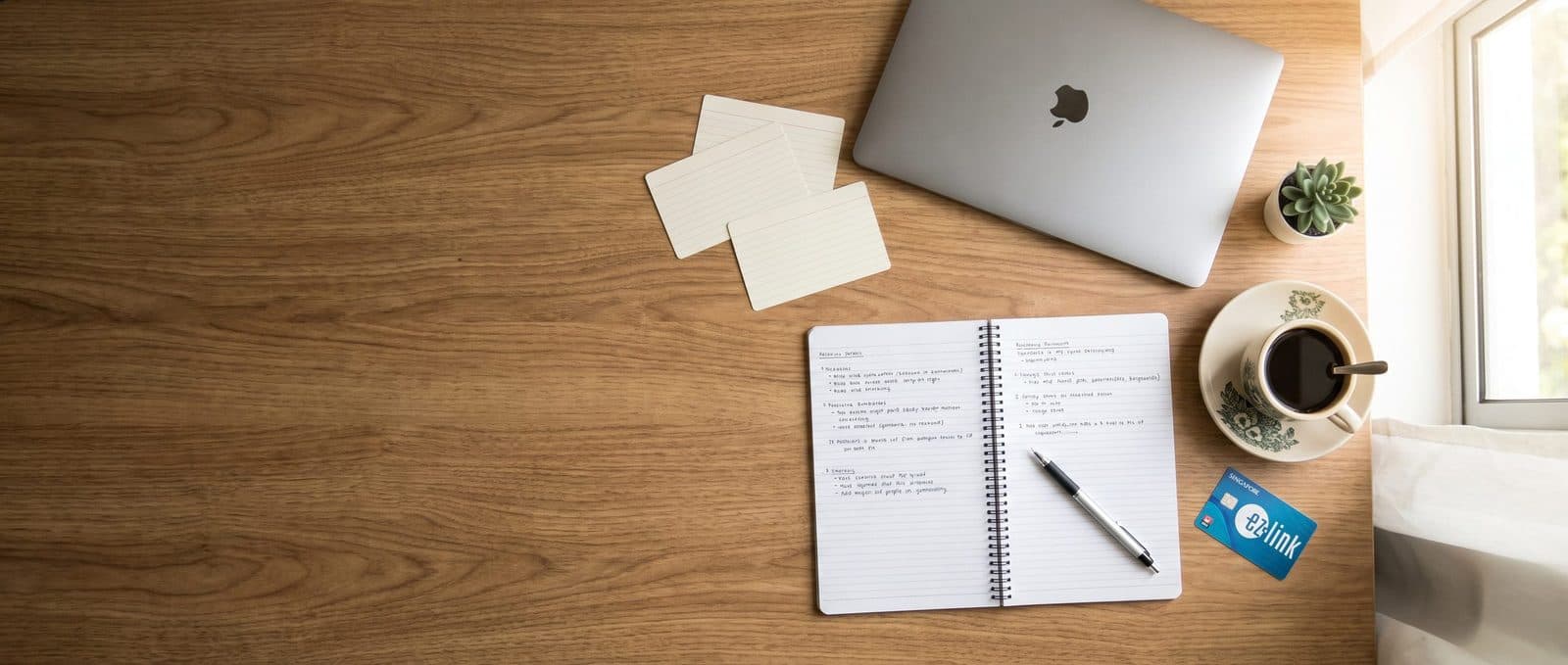
Phone Security: Stop SIM Swapping Before It Starts
Protect your digital safety by learning how to lock your mobile line. We guide you through essential phone security steps to prevent SIM swapping in Singapore.
Let’s be honest: setting up a new phone number in Singapore is one of the most tedious parts of moving abroad. You are likely juggling bank accounts, student portals, and housing contracts, and the last thing you need is a cybersecurity scare. Yet, this specific digital safety threat is annoyingly easy to ignore until it is too late. We want to make this manageable for you. Locking your line takes ten minutes, but it saves you from losing access to your bank, email, and social media accounts all at once.
Why SIM Swapping Targets Students
Think of your phone number as the master key to your digital life. In Singapore, most students use their mobile number for two-factor authentication (2FA) on everything from university login to bank transfers. A SIM swap occurs when a fraudster convinces your mobile carrier to transfer your active number to a new SIM card they control. Once they have that number, they can intercept the SMS codes needed to reset passwords. Students are attractive targets because we often have less time to verify suspicious calls and may not realize how valuable our personal data is to identity thieves.
The scammers are surprisingly polite. They might call you pretending to be your carrier’s support team, claiming your line is about to be deactivated due to unpaid fees. They ask for your NRIC or passport number, your old SIM details, and even the PIN of your current SIM card. If you are stressed or new to the system, it is easy to slip up. This is not a hypothetical risk; it is a common tactic used to bypass phone security measures that rely solely on SMS verification.
How to Lock Your Mobile Line
The single most effective step you can take is to set a PIN with your mobile provider. This prevents anyone, including store staff, from porting your number without your explicit permission. Here is how you can do it for the major carriers in Singapore.
- Set a Porting PIN: Log in to your provider’s app or website. Look for settings related to 'Security' or 'Line Security'. You will need to create a four-digit PIN. This PIN is required if anyone asks to move your number to a new SIM.
- Disable Over-the-Counter SIM Swaps: Some carriers allow you to request that any SIM change must be done in-store with photo ID, or only via app. Check your account settings to see if you can restrict changes to in-person verification only.
- Update Your Emergency Contact: Ensure the emergency contact on your account is someone you trust who can verify your identity if you are unreachable.
Do this today. Do not wait until you receive a suspicious call. Once the PIN is set, a scammer cannot simply call in and request a new SIM card. They will be stuck, and you will be safe.

Beyond the SIM: Strengthening Your Digital Safety
While locking your line is the first line of defense, it is not the only one. True digital safety involves reducing your reliance on SMS for critical accounts. If possible, switch your university and bank accounts to authenticator apps. These apps generate codes on your phone without needing a text message. Even if someone steals your SIM card, they cannot access the codes generated by the app if they do not have your physical phone and the app password.
Also, be wary of phishing links. Scammers often send emails or messages that look official, urging you to 'verify your account' or 'update your payment details'. Never click these links. Instead, type the website address directly into your browser or use the app. It is a small habit, but it prevents a lot of trouble. For more tips on managing your daily life in Singapore, you can read our other more student life guides.
What to Do If You Are Hacked
If you suspect your line has been swapped, act fast. First, contact your mobile provider immediately. Tell them you are the rightful owner and request that the new SIM be blocked. You will need to provide proof of identity, such as your passport and your initial SIM registration documents. Next, contact your bank to freeze your accounts. Change your passwords for all critical services, starting with your email and banking apps. If you use two-factor authentication via SMS, switch to an authenticator app as soon as your line is restored. This situation is stressful, but a quick response can limit the damage significantly.
Frequently Asked Questions
Does setting a PIN stop all SIM swaps?
It stops the most common type of remote SIM swap where scammers call in. It does not protect you if someone physically steals your phone and SIM card, so always keep your device secure.
Can I do this if I am on a prepaid plan?
Yes. Most prepaid plans allow you to set a security PIN via the provider’s app or website. If you cannot find the option, visit a store with your ID to have them set it for you.
Is it worth switching to an authenticator app?
Highly recommended. It adds a layer of security that SMS codes cannot match. Even if your phone number is compromised, the codes on your authenticator app remain safe as long as you have your device.
We know that settling into a new country involves a lot of moving parts. We are here to support you with safe, fully furnished accommodation that lets you focus on your studies and your security. When you browse our rooms, you are choosing a home that prioritizes your comfort and peace of mind. If you have questions about our 24/7 support or our airport pickup services, please leave us a message. We are happy to help you start your journey in Singapore on the right foot.
Latest articles
Comments
Questions or tips of your own? Join the conversation.
No comments yet — be the first to share your thoughts.